BISP registration happens through the NSER dynamic survey, done at BISP offices, and the result shows later through 8171 messages and the 8171 tracking portal.
BISP states there is no fee for the survey and 8171 is the only official BISP SMS number. Messages from any other number count as fraud.
How to apply for BISP 8171? Step by step
To apply for BISP 8171, complete the dynamic survey entry, then wait for the 8171 status result.
Step 1: Check your CNIC status first (optional)
- To check before visiting, use the official 8171 tracking portal and enter your CNIC plus the captcha code shown on screen.
- The portal screen is built for eligibility and tracking, not for a full online registration form.
Step 2: Visit the registration center
- Go to the nearest BISP office where the dynamic registration process runs at tehsil level centers.
- Take your original CNIC and use a working mobile number because official updates come through 8171.
Step 3: Get a token and complete the household survey
- Take a token, then answer the household questions the staff asks for NSER entry or update.
- Provide accurate facts. If the household details change later, a fresh update becomes necessary because the decision depends on the stored record.
Step 4: Identity confirmation at the desk
- The desk completes identity confirmation as part of the process. This step blocks fake entries and stops middlemen from "registering" people on paper.
Step 5: Wait for the official confirmation route
- After survey completion, wait for the next message from 8171 or recheck the CNIC status through the 8171 portal.
Step 6: Pay nothing, sign nothing with strangers
- BISP states the survey has no fee. If someone asks for money, treat it as a scam and report it.
BISP registration is FREE. If anyone demands money for registration, forms, or "fast processing," it is a SCAM. Report immediately to 0800-26477.
Give steps: 1-2-3
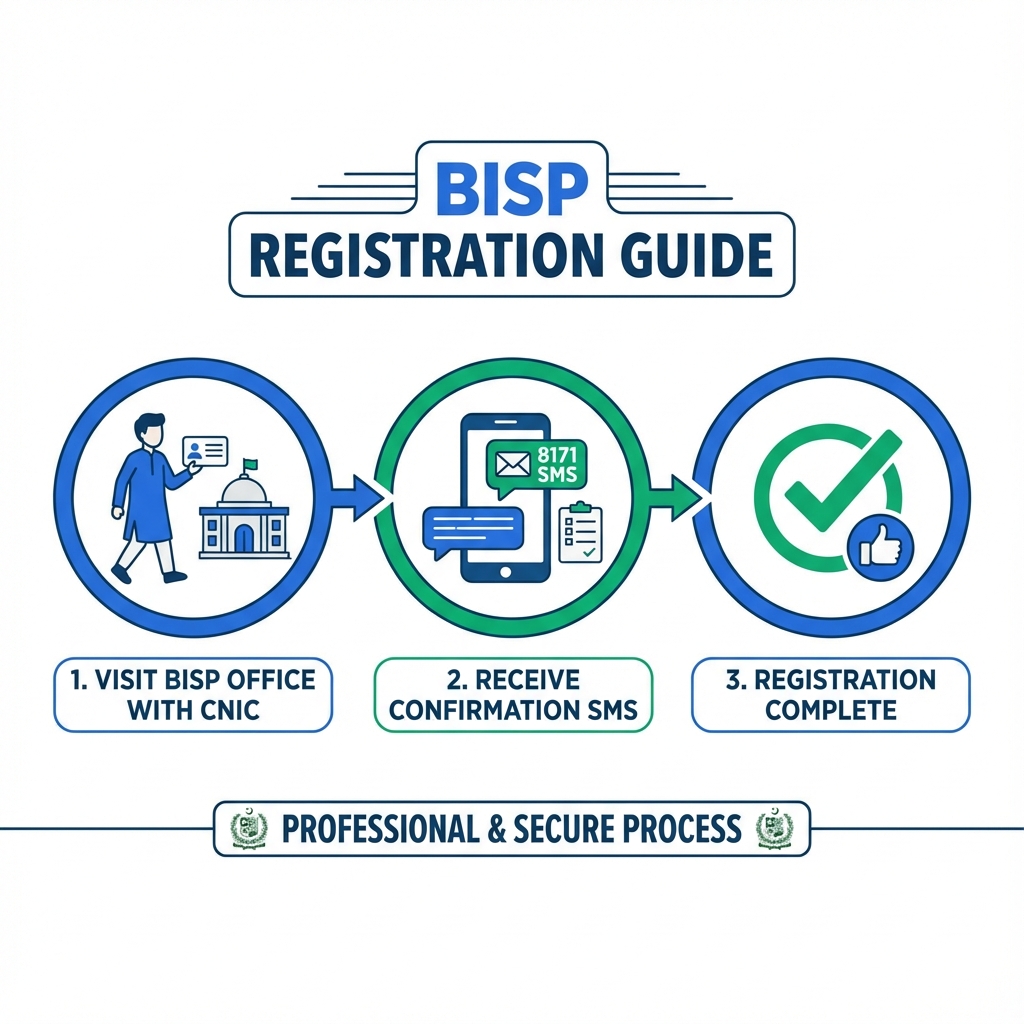
To complete BISP registration in three steps, use this short flow.
- Visit the BISP tehsil level dynamic registration center with your CNIC.
- Complete the household survey entry or update at the desk.
- Check the result through 8171 messages or the 8171 tracking portal.
Who is eligible to apply?
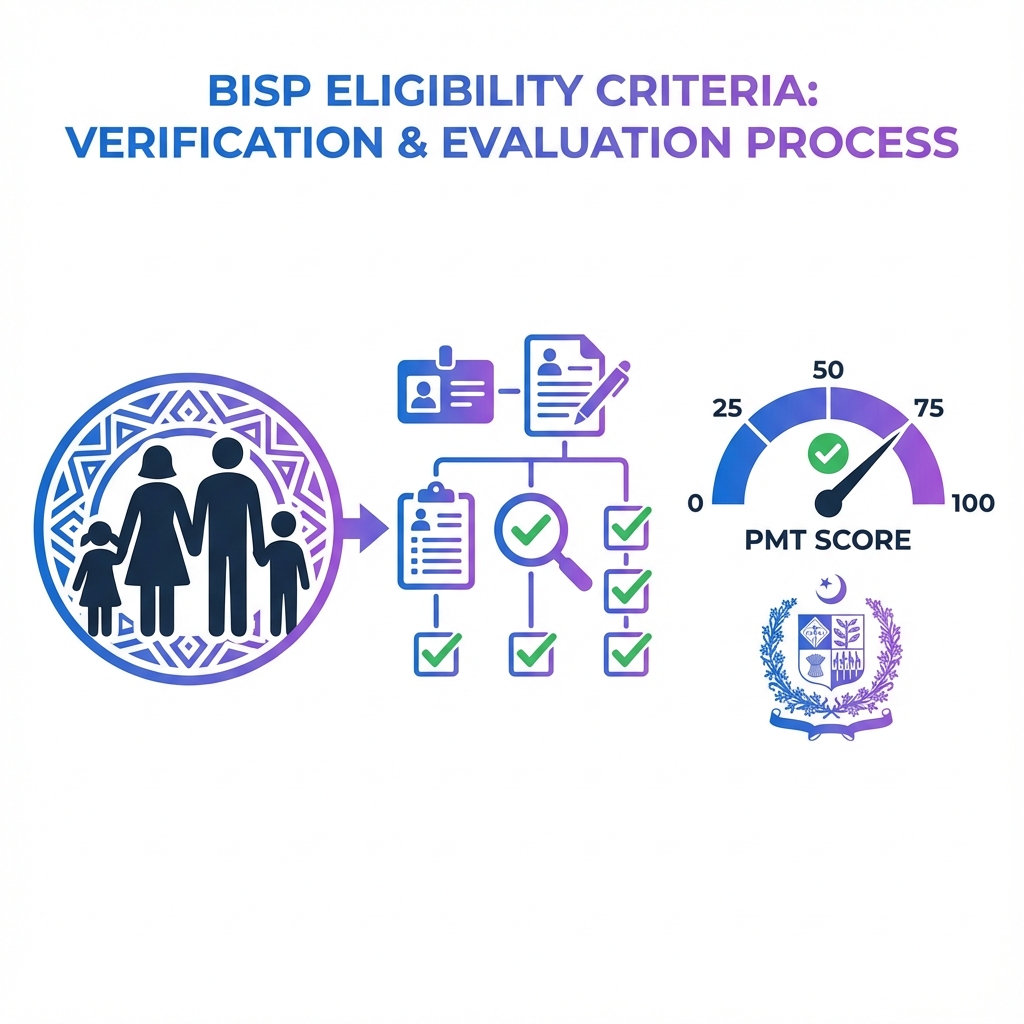
People often mix up two ideas: "eligible to apply" and "eligible for payment."
- Eligible to apply means a household can request NSER entry or update through the dynamic registration route at tehsil offices.
- Eligible for payment is a later decision, shown through the 8171 result after record review.
So, a person can complete registration correctly and still receive a "not eligible" result later. That is not a desk mistake. That is the system doing what systems do best: saying "no" with confidence.
Are new registrations open?
Yes. Are new registrations open? BISP's dynamic registration process runs through tehsil level centers, which supports new entries and updates as part of the dynamic registry approach.
How to check if my registration is complete?
To check if your registration is complete, confirm that the survey is recorded and that your CNIC shows a valid status response.
- Check the official SMS source: A real update comes from 8171 only.
- Check online by CNIC: Use the 8171 tracking portal to view the CNIC status screen.
- Call for help when needed: Use the official BISP call center number 0800-26477 for status queries or complaints.
What are the common problems when applying?
These problems slow the process more than "system down" stories.
- Messages from fake numbers: People trust SMS from random numbers. BISP says 8171 is the only official number.
- Fee demands by agents: Any "registration fee" claim conflicts with BISP's statement that the survey has no fee.
- CNIC record issues: If the CNIC record has validity or identity mismatches, the desk cannot complete clean verification, so the case stalls until the CNIC record is corrected.
- Wrong phone number: If the household gives an inactive number, the family misses the 8171 update and assumes nothing happened.
- Repeated visits without status checks: People return to the desk daily instead of checking the portal or waiting for 8171. The staff cannot speed up a back-end review by staring at the keyboard.